A Girl and Her Horse
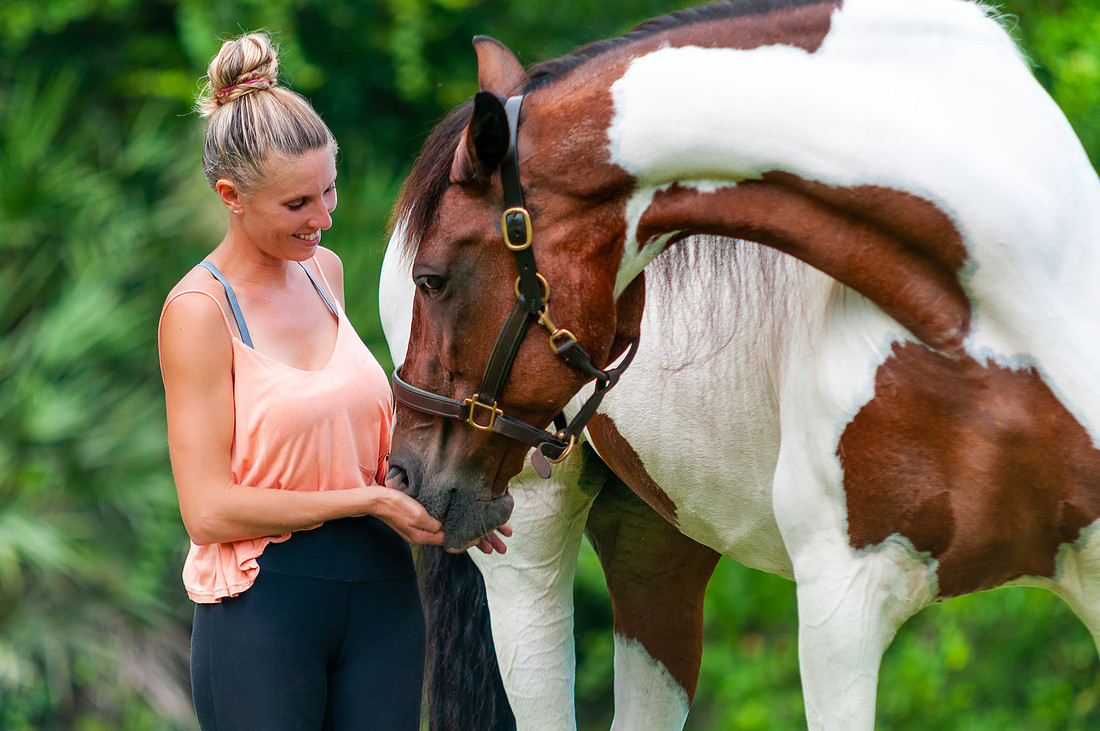
 My neighbor came to me some time ago and asked if I had any horse pictures she could purchase to hang up on her wall. I did not, but that immediately made me think of my friend Lauren. Lauren and I have been friends for many years and she even helped me with a last-minute fashion shoot once by being a very patient model. She absolutely killed it, by the way.
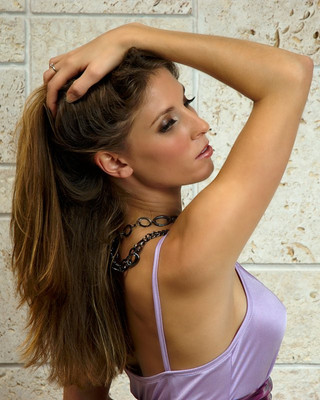
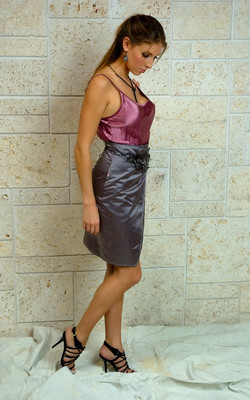
Anyway, back to horses, Lauren works with horses and has her own horse. If anyone could help me get a picture of a horse, it was Lauren! I called her about the idea and she was delighted to get some pictures of her horse, Princess Firedance. She said that Princess has a degenerative disease on her legs which makes it difficult to move around. Lauren said she did not know how much longer Princess would be around so she really wanted to get the pictures. This all happened in late 2019 and, unfortunately, with family obligations and vacations at the end of the year, we could not schedule a time in 2019 to do the shoot. The beginning of 2020 was also busy for me and then COVID-19 happened. Things were not looking promising.
Finally, in July, I was able to get out to the most remote part of "middle-of-nowhere" where Lauren lives to get the pictures. At this point, the shoot is more for Lauren than for me since my neighbor had long since found her picture of a horse and hung it up on her wall. This is important to me because I like to have a clear purpose for making pictures. I find that it helps the creativity flow if you know the direction you are going.
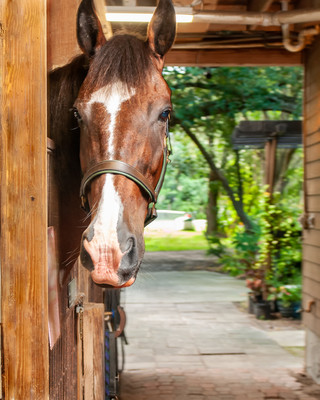
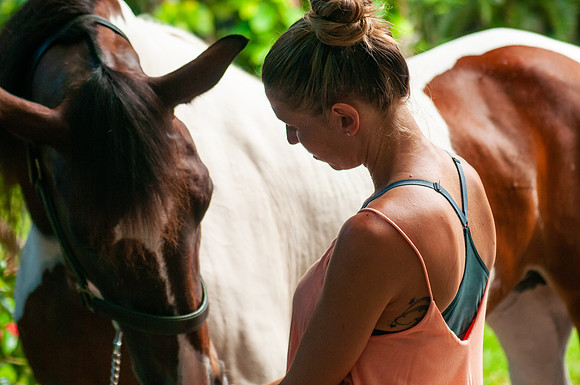 I arrived and started scouting her 5+ acre property for good locations. I wanted to do the main shots right around sunset if the weather would permit. There were lots of great places to shoot, so I made a quick plan and decided to start at the stable and then move my way back to the pasture where we would have the best chance of getting the sunset picture.
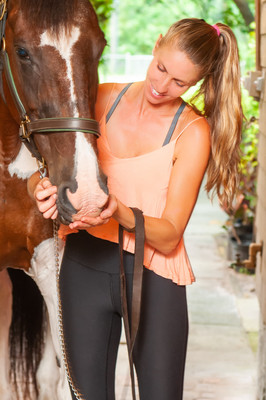
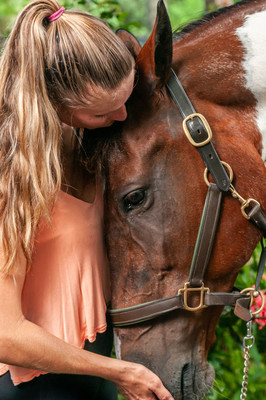
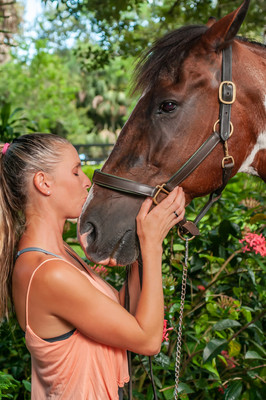
From the stable, we moved to this area covered by trees and made some killer shots of Lauren and her horse. I mean, can you feel the love here or what!
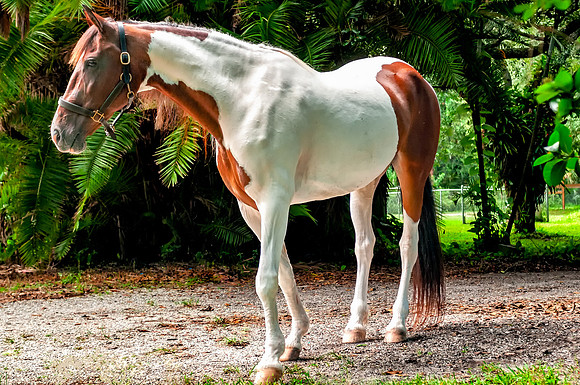
Princess got her own portrait here too.
 We moved on to the pasture as the sun was going down, but unfortunately, the weather did not help out and huge clouds were blocking the golden glow of sunset. We did get some sunlight peeking through in this beautiful area of the property that was almost like a tunnel of vegetation. This was my favorite shot of Princess.
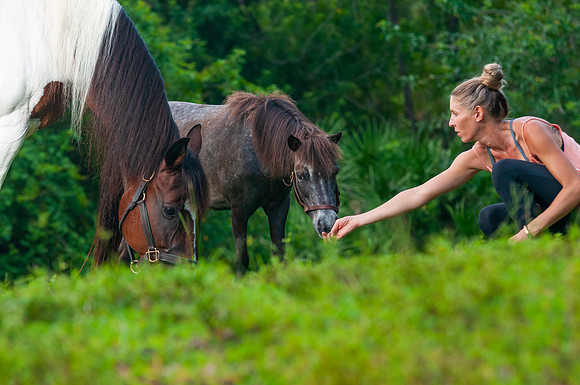
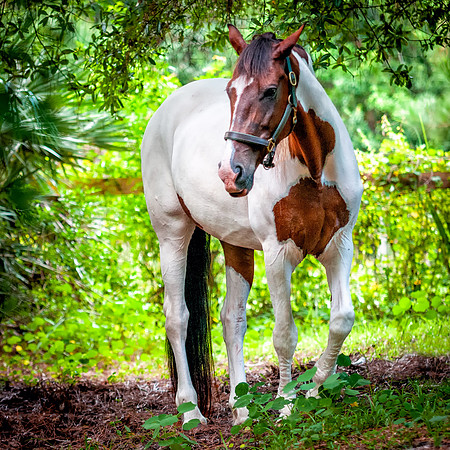 I made sure to also include Princess' BFF. This tiny little horse had to go everywhere we went because Lauren said Princess gets stressed if he's not around. He is Princess's emotional support animal.
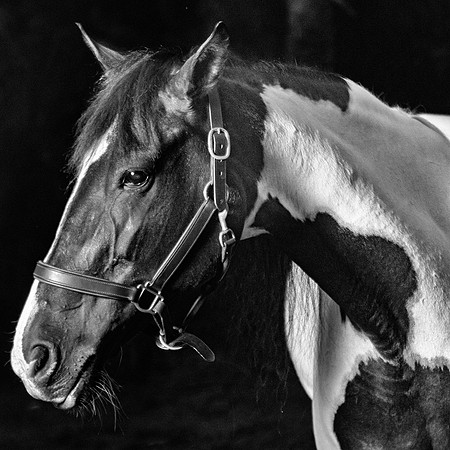
I also got this great "headshot" of Princess, which I think makes a great black & white picture.
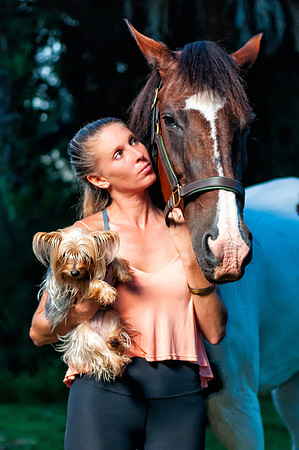
 As the light of the day went down below the horizon, I got one last shot of Lauren with her animal friends.
Thanks, Lauren, for the opportunity, the hospitality, and the pizza. The ant bites have already healed by the way.
How it Was Done: Lantern Shot
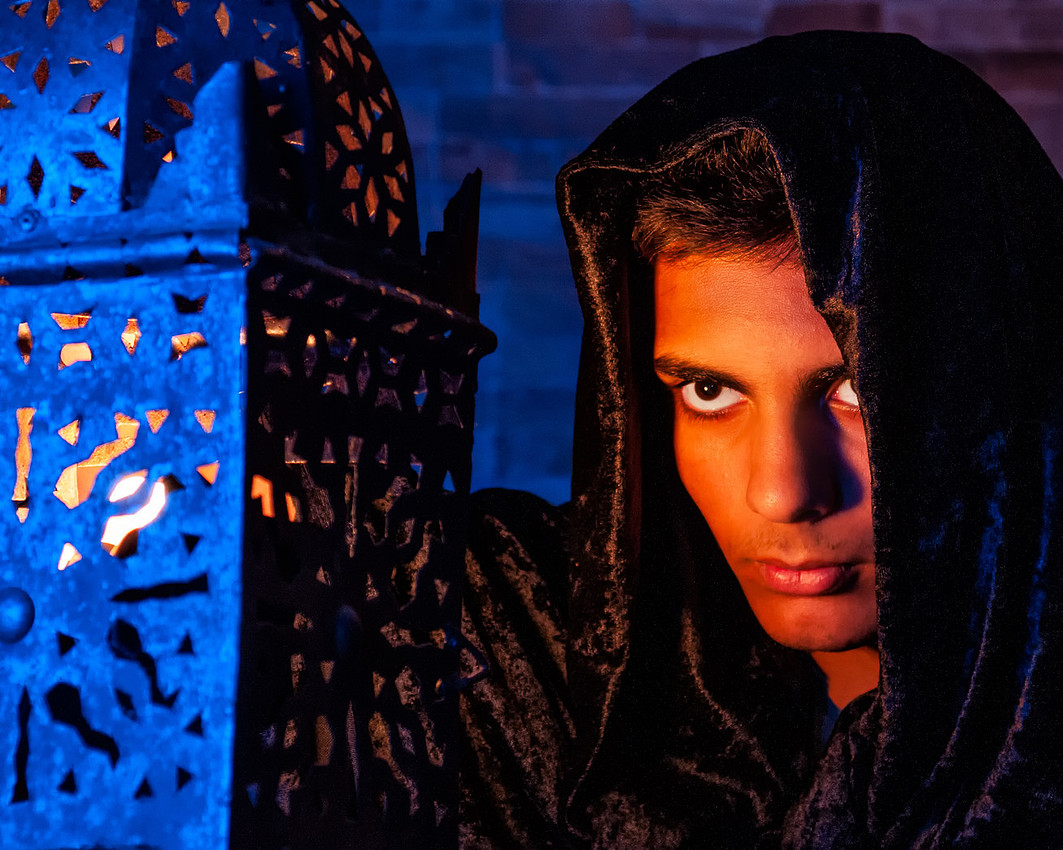 This was a shot that evolved in my head way before I clicked the shutter button. My wife has these Morrocan lanterns for decoration and I had the idea of using them to cast some pattern shadows onto a background. Then that idea evolved into using the lantern as a prop and putting a flash inside to cast the shadows onto a model's face. As I developed the idea I decided to make it a dark and mysterious shot - adding blue light for a night feel. The image then starts to mature as a cloaked figure (I could use the black velvet cloth I often use as a backdrop). That gave it kind of a medieval vibe, so I decided to shoot in front of the stone wall in my house. Now that the vision is complete, it's time to execute.
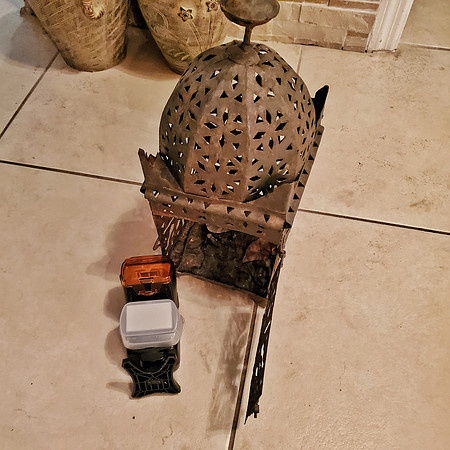
I used two Nikon flashes for the shot. Inside the lamp, I placed an SB700 with a CTO (orange) gel. This would be the lamp light and the light on the subject's face. I also added the diffuser to spread the light in all directions within the lamp.
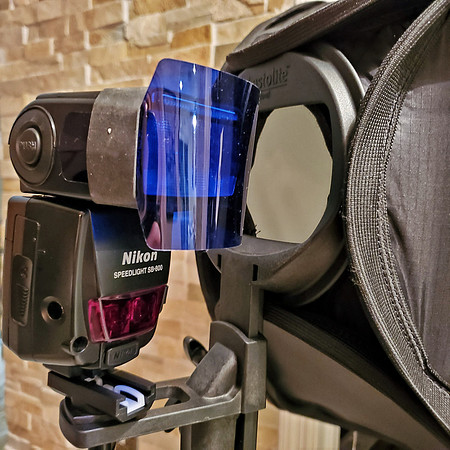
 The ambient light was from an SB800 with a blue gel. I placed that into a Lastolite Joe McNally EZ-Box. This would provide soft blue light for the shadows.
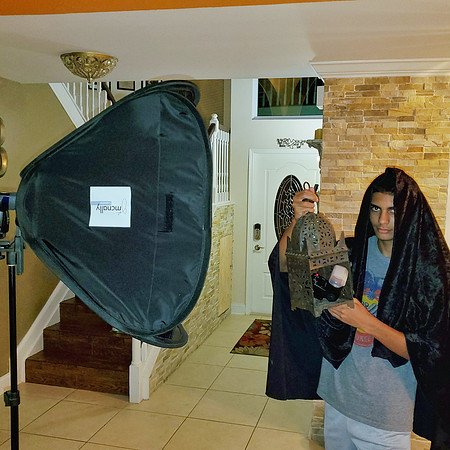
 Now it's just a matter of putting it all together and going through some trial and error to get the shot you wanted. For example, as it turned out the flash in the lamp was not lighting the face of my subject (my son in this case) enough. Nor was it really casting well-defined patterns of shadow on his face. So, I decided to just open the lamp door and stick the flash out a bit so it would light his face well. I wanted the lamp slightly out of focus but not so much that you couldn't make out the patterns. I shot with a Sigma 24-70 at f5.6. I had to shoot at 70mm to limit the field of view and get the slightly out of focus lamp.
 The final image required minimal post-processing. Just some Lightroom adjustments to contrast and saturation and a slight tonal contrast adjustment using the NIK Color Efex Pro plug-in as well as some light retouching in Photoshop.
I hope this was interesting and informative. If you are a photographer starting your journey through off-camera lighting I hope this inspires you to try something new and learn from it just as I did.
Take care!
Fun Trick Shot With Your Phone
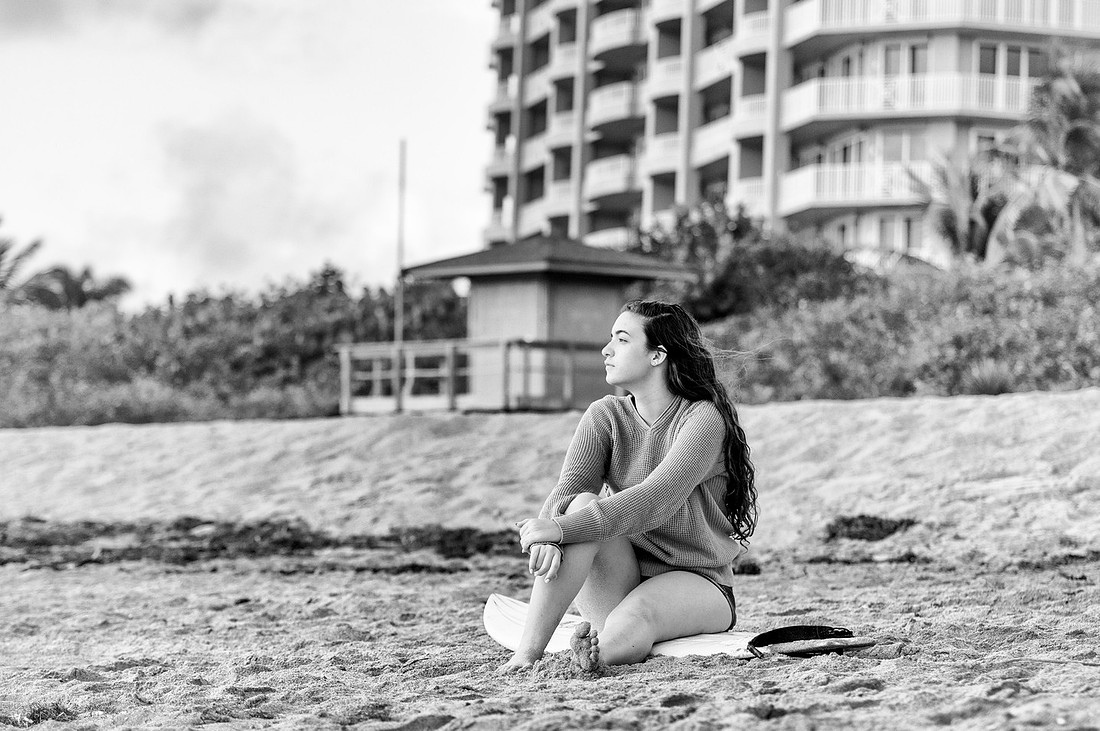
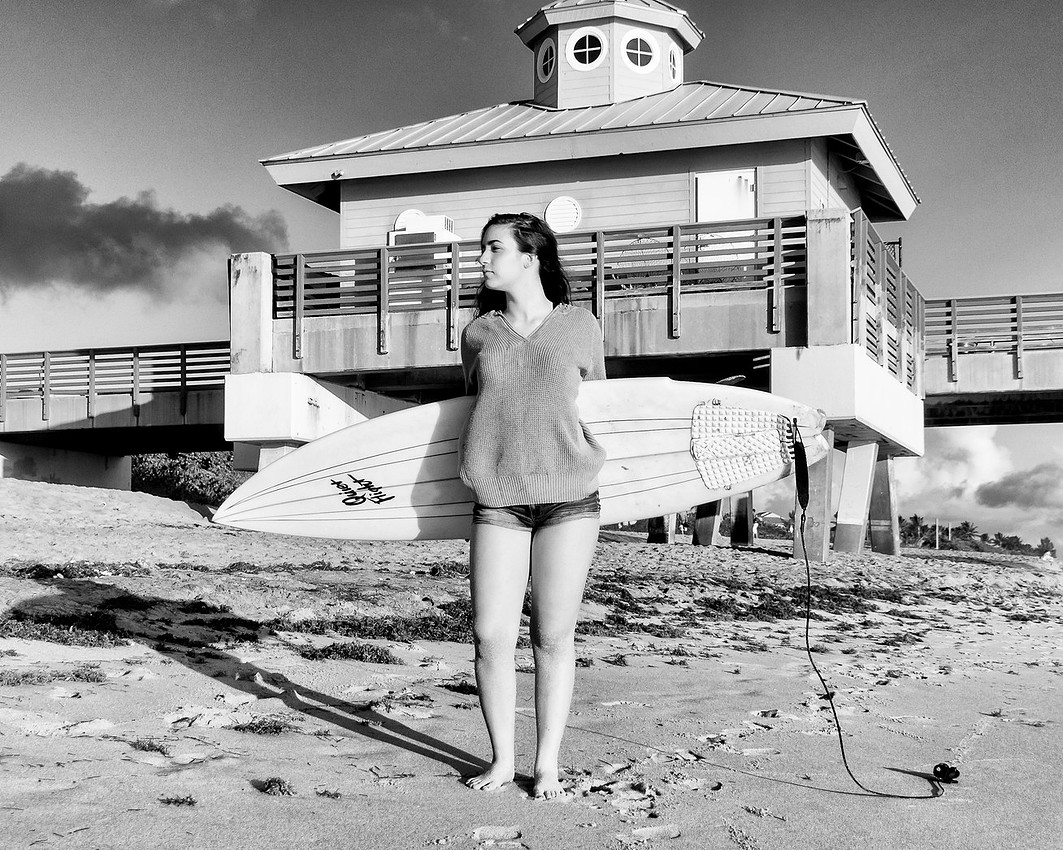
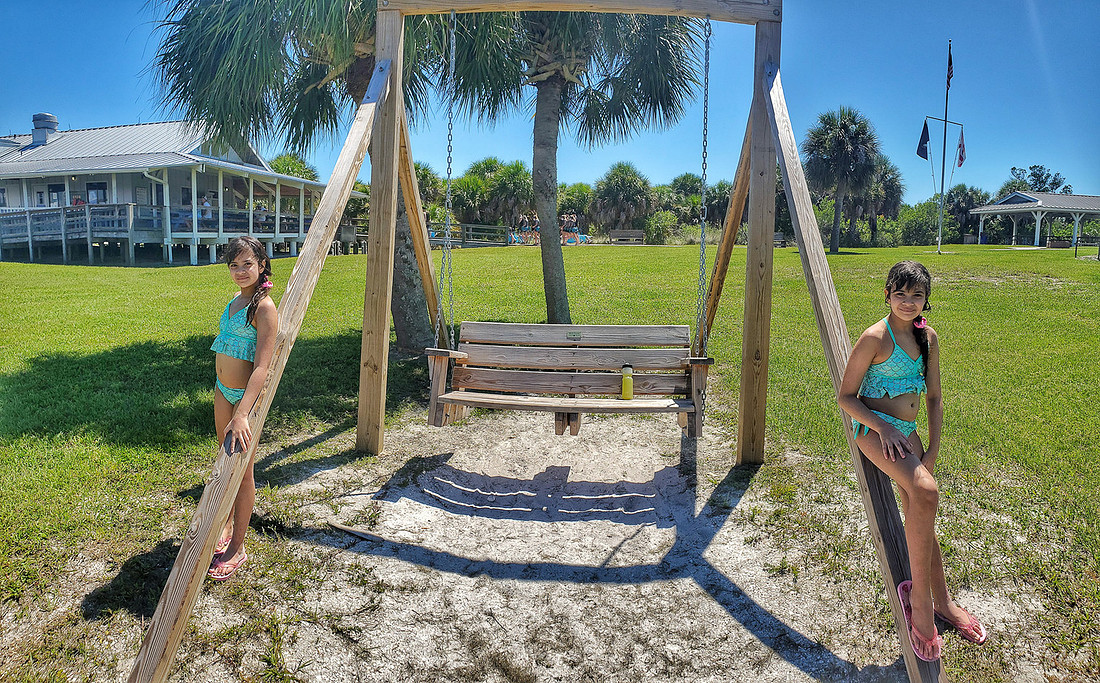 Twins on the beachTrick shot made with the panoramic mode of my phone's camera
I thought I would share a fun and easy trick shot you can do with your phone and requires no special knowledge of photo editing software. This trick results in the same person appearing two or more times in the same picture like the picture of my daughter at the top of this post. All you need is a phone with a camera that can shoot in panoramic mode. Most modern phones, iPhones, Samsungs, LG, whatever, have this capability.
Twins on the beachTrick shot made with the panoramic mode of my phone's camera
I thought I would share a fun and easy trick shot you can do with your phone and requires no special knowledge of photo editing software. This trick results in the same person appearing two or more times in the same picture like the picture of my daughter at the top of this post. All you need is a phone with a camera that can shoot in panoramic mode. Most modern phones, iPhones, Samsungs, LG, whatever, have this capability.
So here we go, Just get your camera out and set your phone to panoramic mode (sometimes called "pano"). This is that mode where you take the picture and then move the phone to the right or left to make a long horizontal image. Shooting panoramics can be tricky all by itself, so if you have never shot a pano before take some time to practice a little.
Since you will be moving the phone and then stitching the pictures together it's best to not have things moving too much in the background. The phone can handle things like trees moving in the wind and clouds pretty well, but waves and people moving is a bit more challenging. If you look closely at the center of my picture at the top, you will notice the repeated person who was walking during my shot.
To do this shot, ask your subject to pose at one end of your panoramic shot as shown in the image below. The white outline represents what your phone would see at the beginning of the shot.
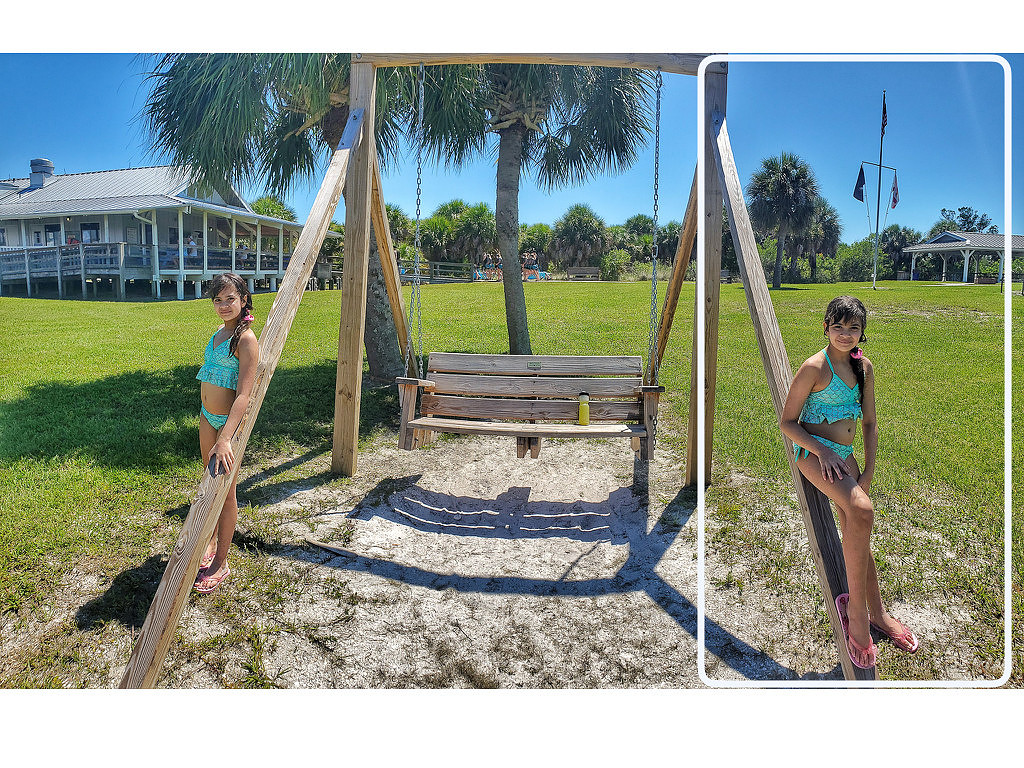 Pano Trick Shot Step 1Starting position for the pano trick shot.
Now start your panning to build your shot. Your subject must try to stay as still as possible as you slowly pan the phone to the left (or right, depending on where you started). As soon as they are completely out of frame, have the subject quickly run behind you and get into position at a new location.
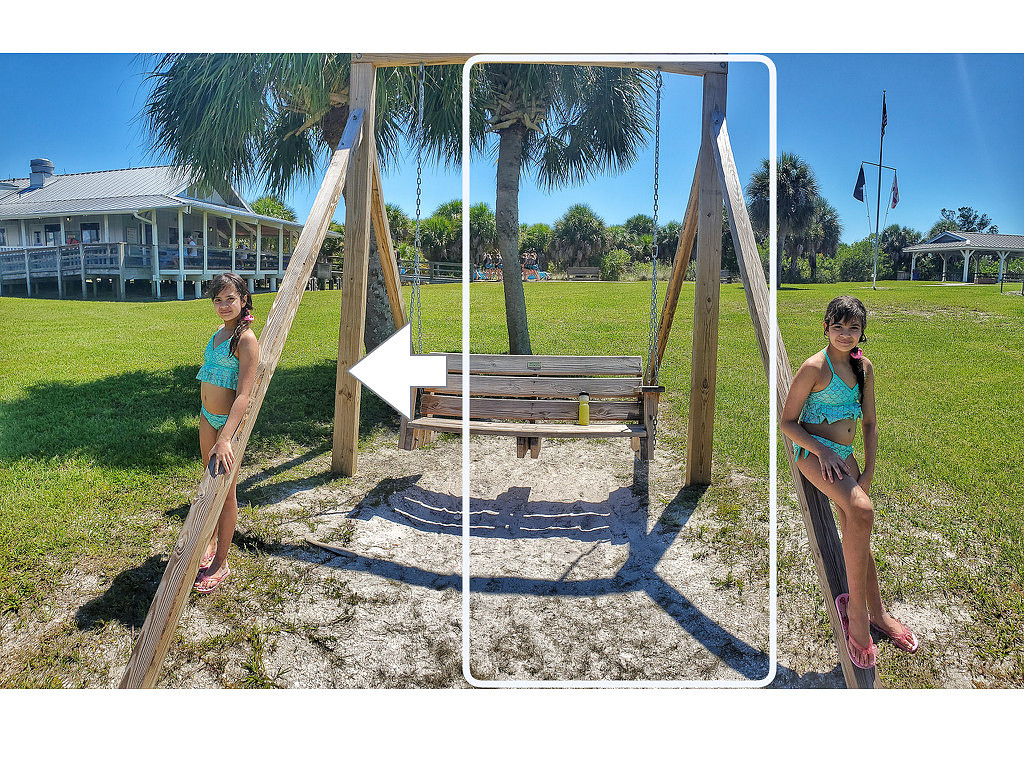 Pano Trick Shot Step 2when the subject is out of frame while you pan the phone they run behind you to the new location
Make sure your subject gets into position before you get them in the frame with your panning motion. It helps to pan slowly to give them time to reach the new location and strike a pose. Then just finish the pano as your subject remains still again by pressing the stop button to finish the shot.
Pano Trick Shot Step 2when the subject is out of frame while you pan the phone they run behind you to the new location
Make sure your subject gets into position before you get them in the frame with your panning motion. It helps to pan slowly to give them time to reach the new location and strike a pose. Then just finish the pano as your subject remains still again by pressing the stop button to finish the shot.
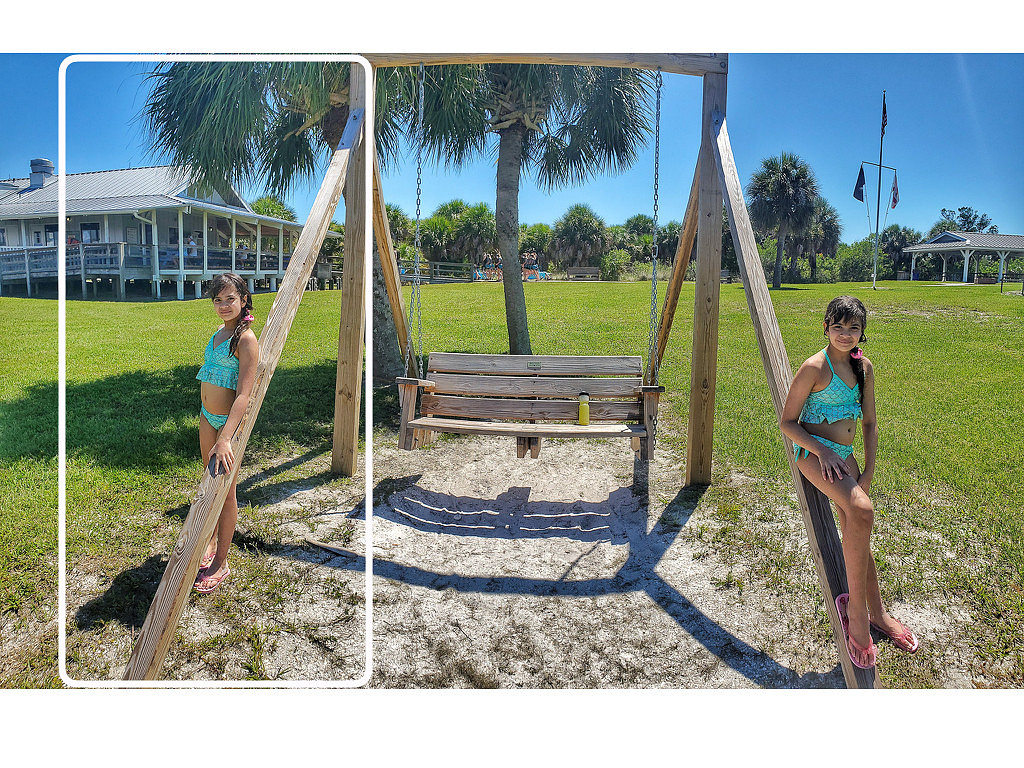 Pano Trick Shot Step 3Finish the pano with the subject in the new location.
That's all there is to it. Your phone then stitches the panoramic image together and you have instant identical twins in your shot! Try it out yourself. You can try and make a longer panoramic and repeat the process to get triplets!
Pano Trick Shot Step 3Finish the pano with the subject in the new location.
That's all there is to it. Your phone then stitches the panoramic image together and you have instant identical twins in your shot! Try it out yourself. You can try and make a longer panoramic and repeat the process to get triplets!
The New Blog
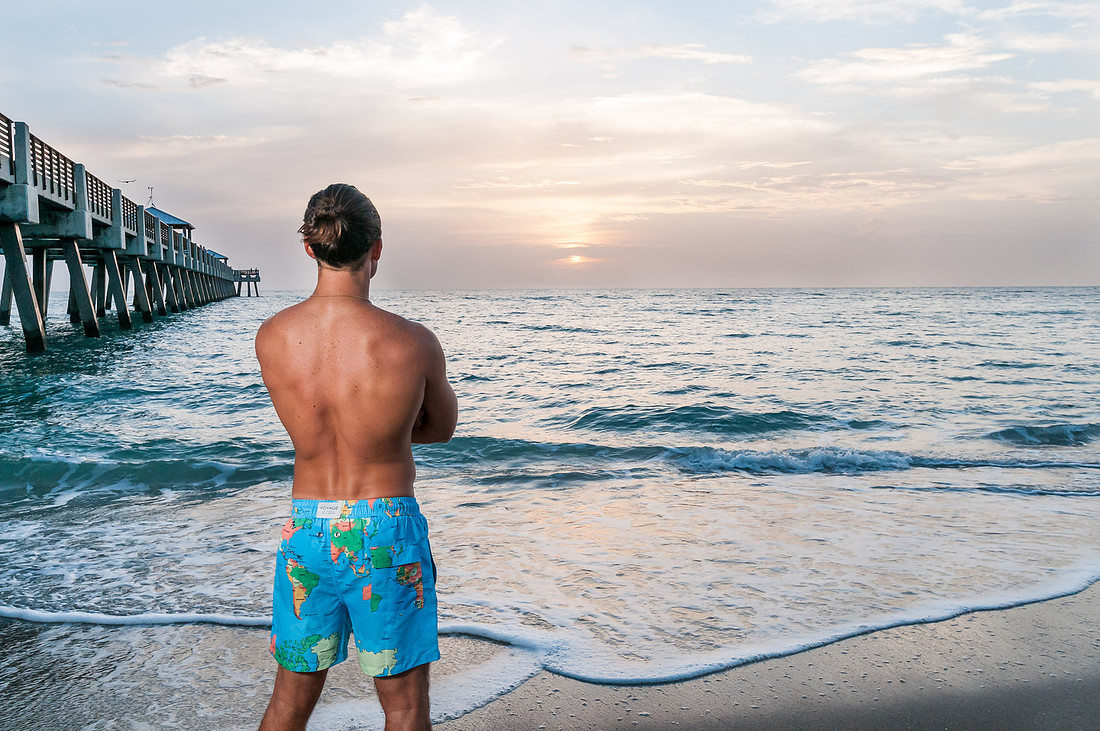 voyage shootEddie Elliot in Voyage map swimming trunks.
I've heard that sometimes it's good to start things over. Well, this blog is starting over but it's not exactly a strategic decision. I have had a blog for a number of years and had accumulated a significant number of in-depth posts, mostly behind the scenes stories showcasing the pictures form a particular shoot. I was using Google's Blogger platform for the blog since at the time my website did not have a blog feature that I could easily use. It was working really well and I could easily link images from my website to the blog posts.
voyage shootEddie Elliot in Voyage map swimming trunks.
I've heard that sometimes it's good to start things over. Well, this blog is starting over but it's not exactly a strategic decision. I have had a blog for a number of years and had accumulated a significant number of in-depth posts, mostly behind the scenes stories showcasing the pictures form a particular shoot. I was using Google's Blogger platform for the blog since at the time my website did not have a blog feature that I could easily use. It was working really well and I could easily link images from my website to the blog posts.
When Google launched its social media platform Google Plus (RIP), I linked the comments feature of the blog to that platform. The idea was that a blog post would be automatically shared on G+ and the comments would then follow that post. That worked great until the death of Google Plus! Around the same time, my website host did a major upgrade to provide a more secure connection to content through HTTPS rather than HTTP. This broke all the links to all the pictures in all my blog posts! When I finally got around to trying to fix that, it turned out that the changes were not simply converting the http to https in the links, lots of the paths to the images had also changed. The task of fixing the blog posts was now, in my mind, more complicated than just starting over.
I have come to terms with the idea of starting over. I think it will be fun. During this time in 2020 when shoots are scarce, revisiting old shoots will be a good way to maintain engagement. I will probably not re-create all the posts, but certainly most of the behind the scenes stories. Keep an eye out for the upcoming content!
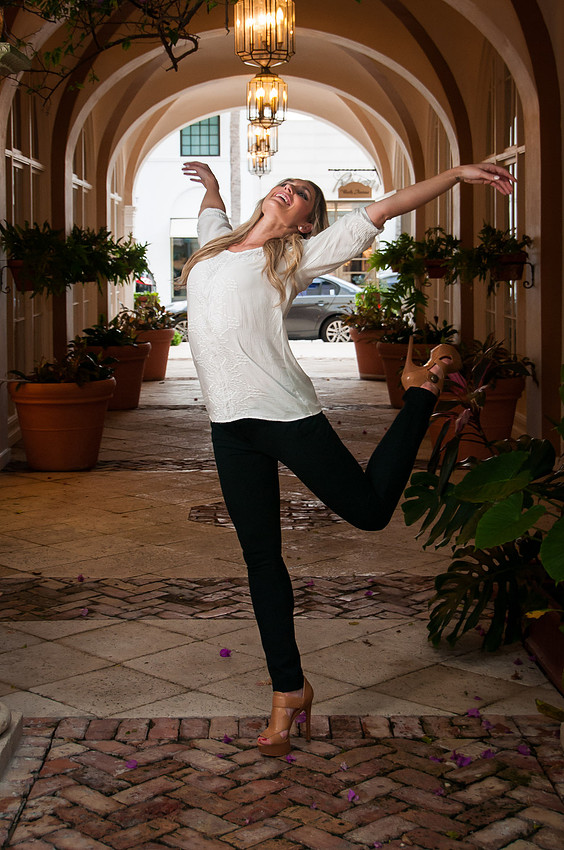 Happy Lauren JoyLauren Joy Baranowski on Worth Ave. in Palm Beach.
A Year of Emily
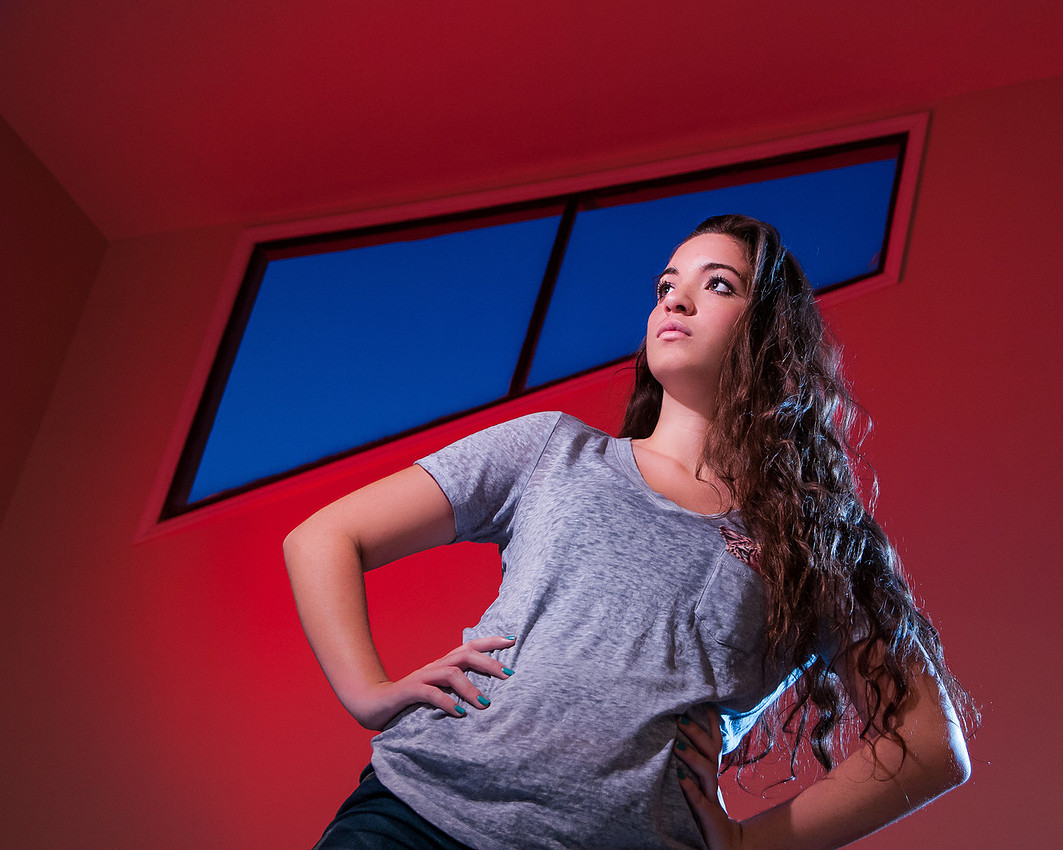
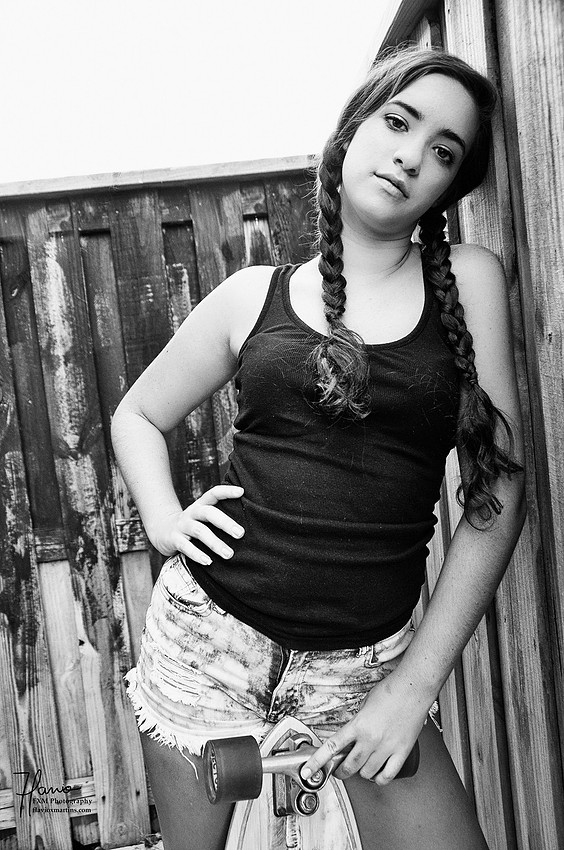
NOTE: This is a blog post originally published on December 23, 2015. I am porting some of the posts from my old blog over to this new one. Please see this post for the full story.
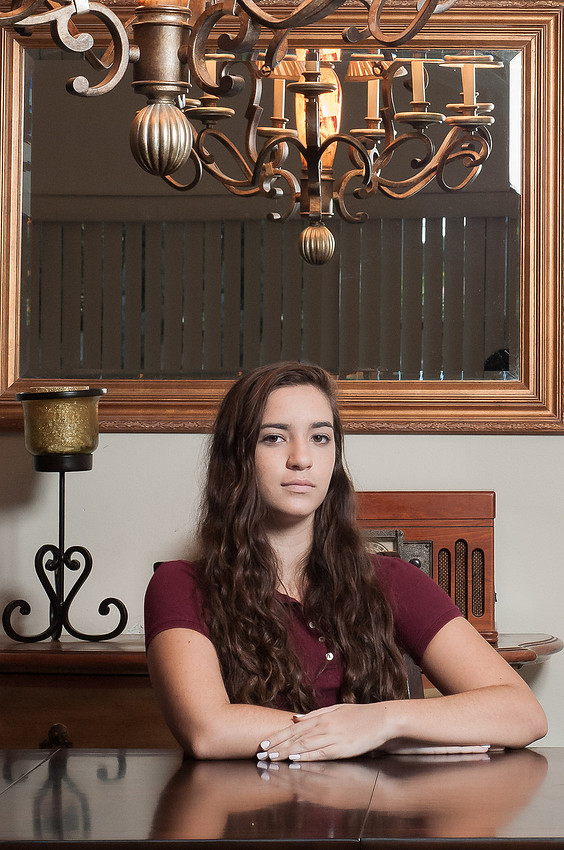
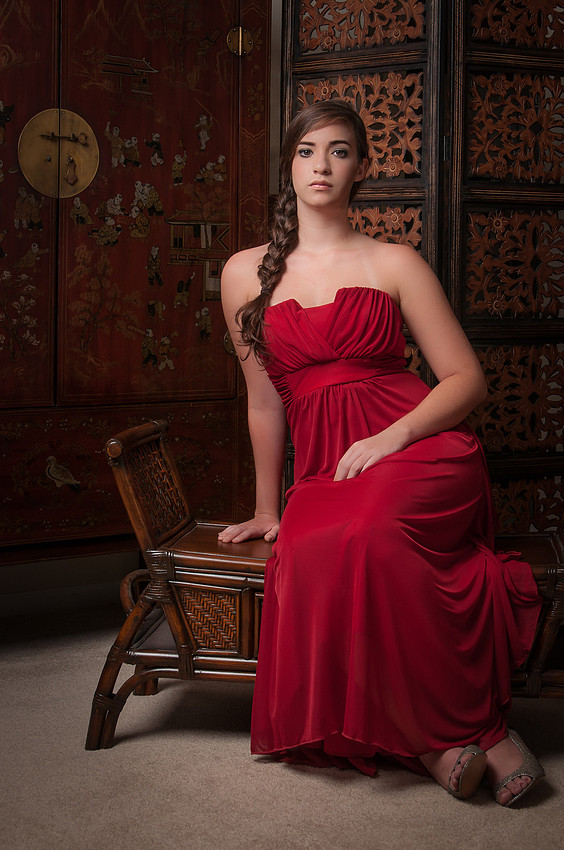
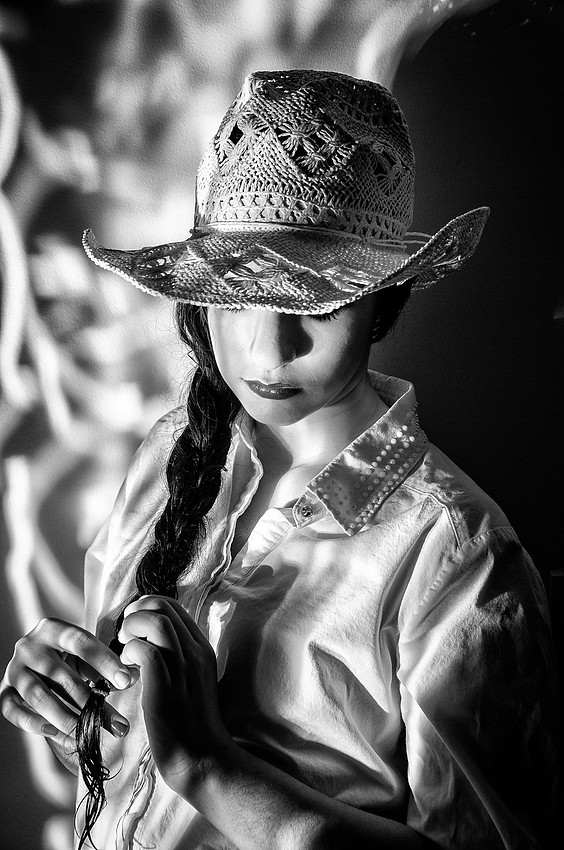
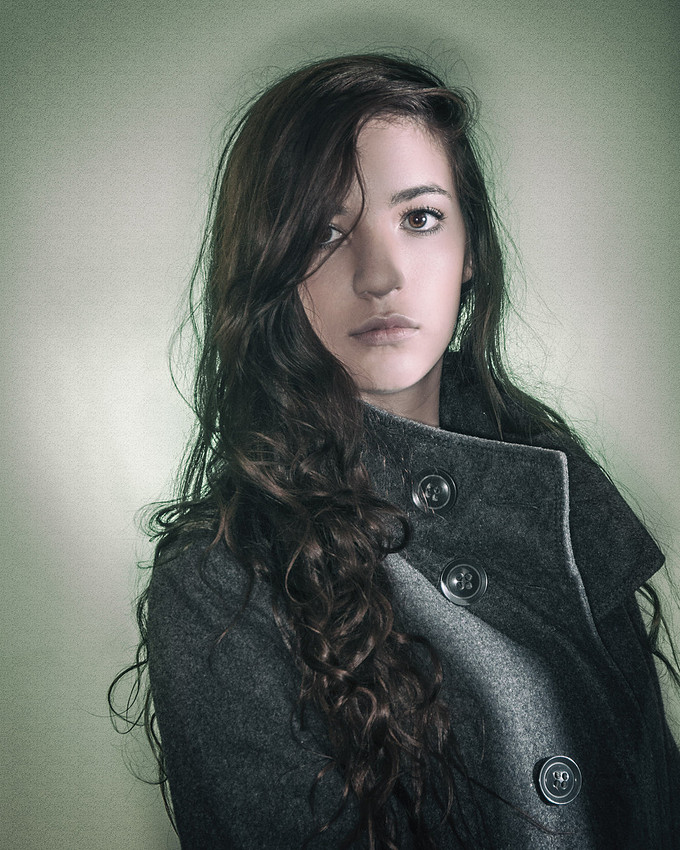
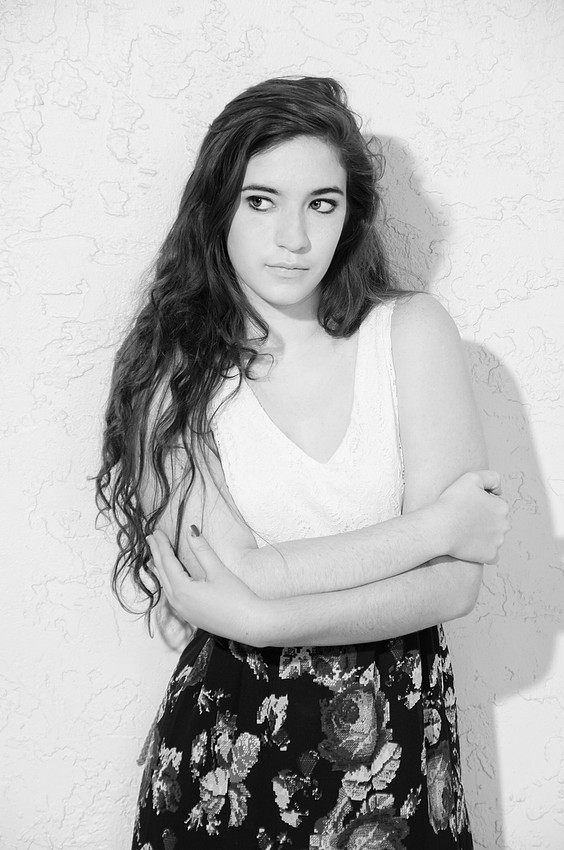
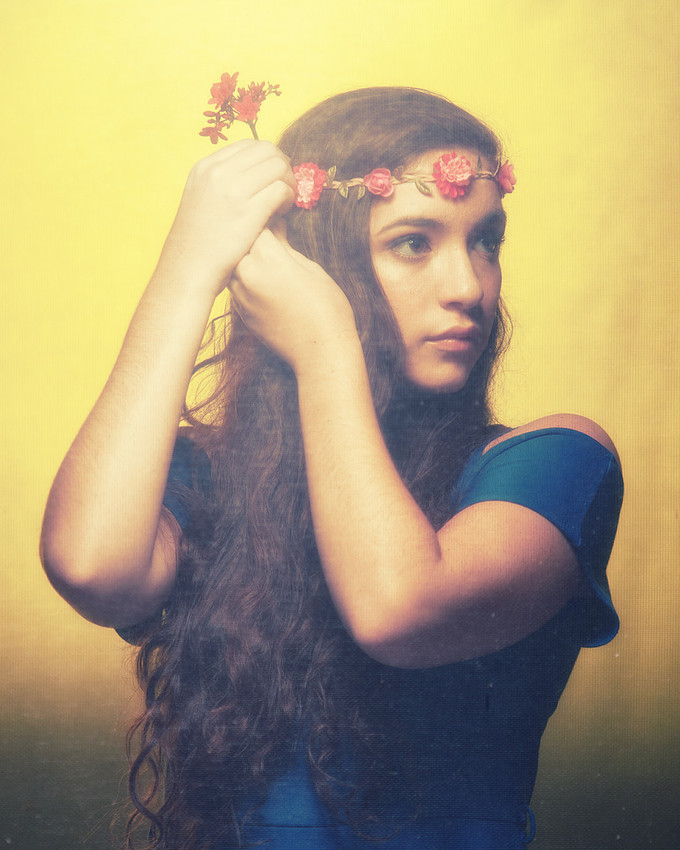
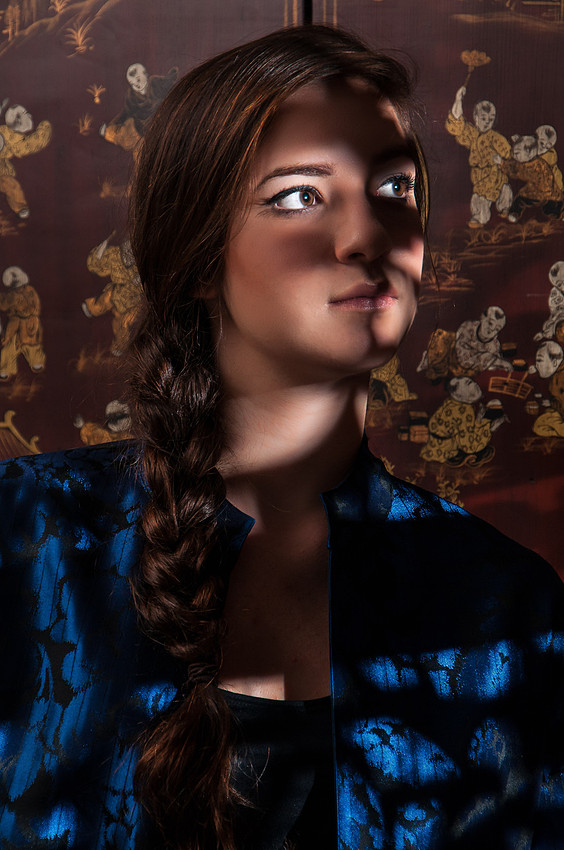
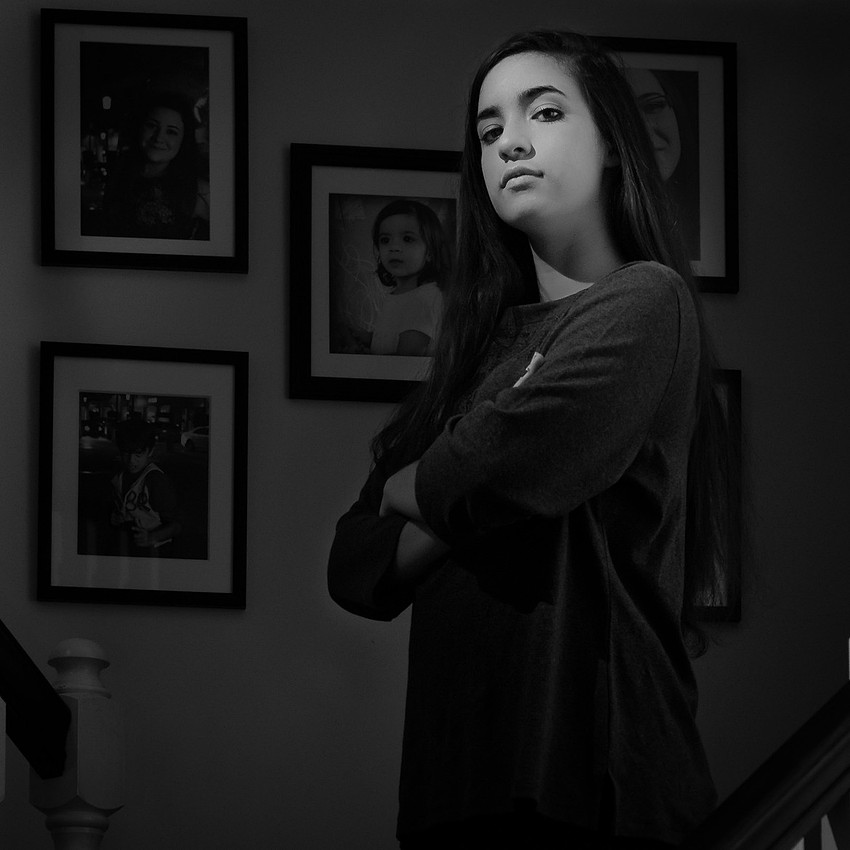
As the year comes to a close, I realize that one of my big 2015 photo "projects" had a profoundly awesome, albeit unintended, result. I call it a project only in the sense that it required a significant investment of my own time, but really it was a year-long photography workshop. Well, 3 workshops really. World-renowned photography instructor Don Giannatti put together these portrait classes intended to make you look at the work of masters in the field and draw inspiration from their work. It's a truly enlightening exercise that I highly recommend to anyone who photographs people.
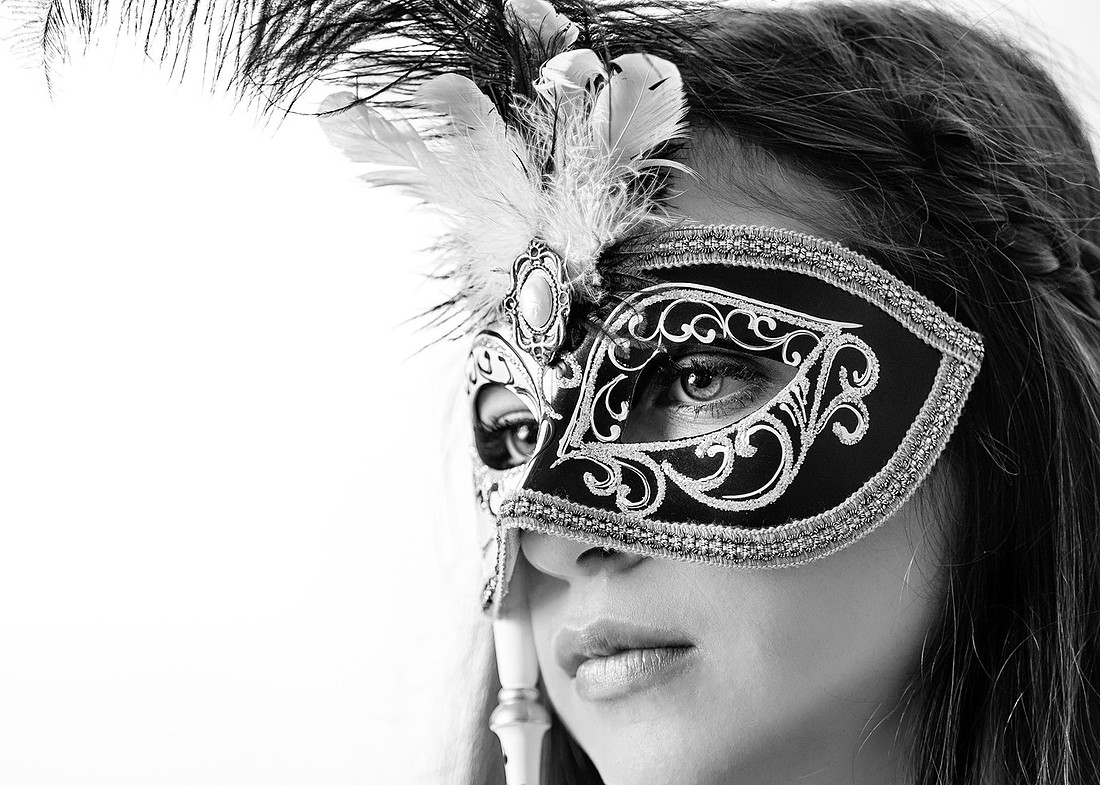
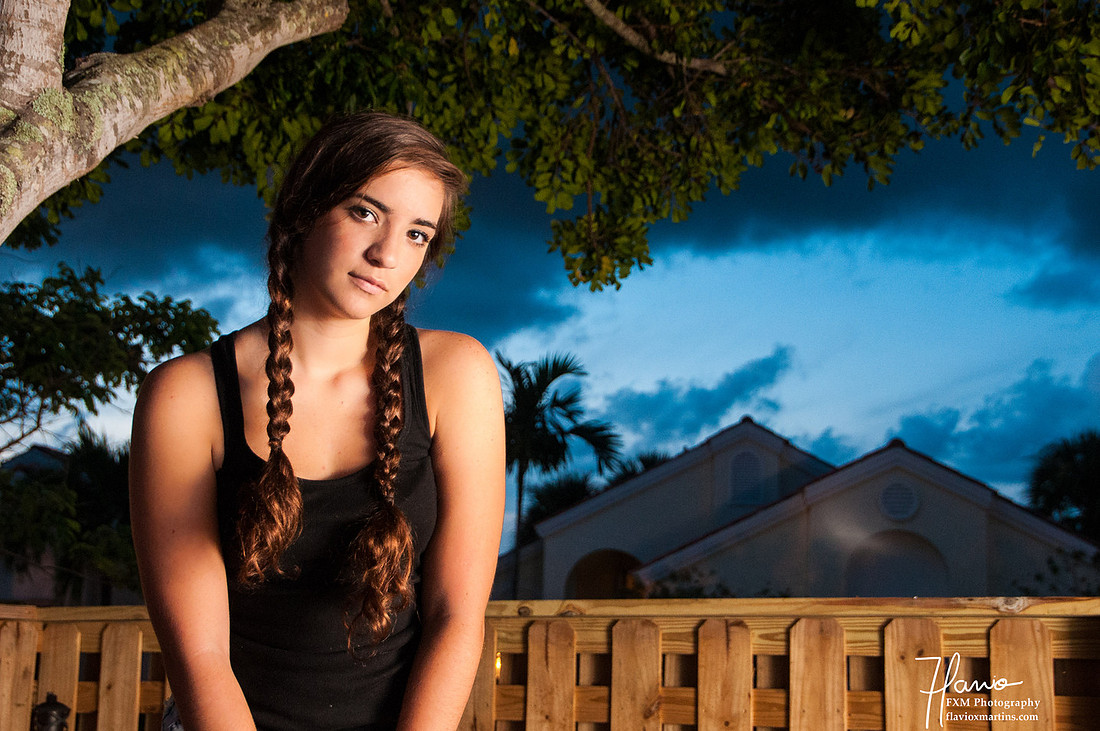
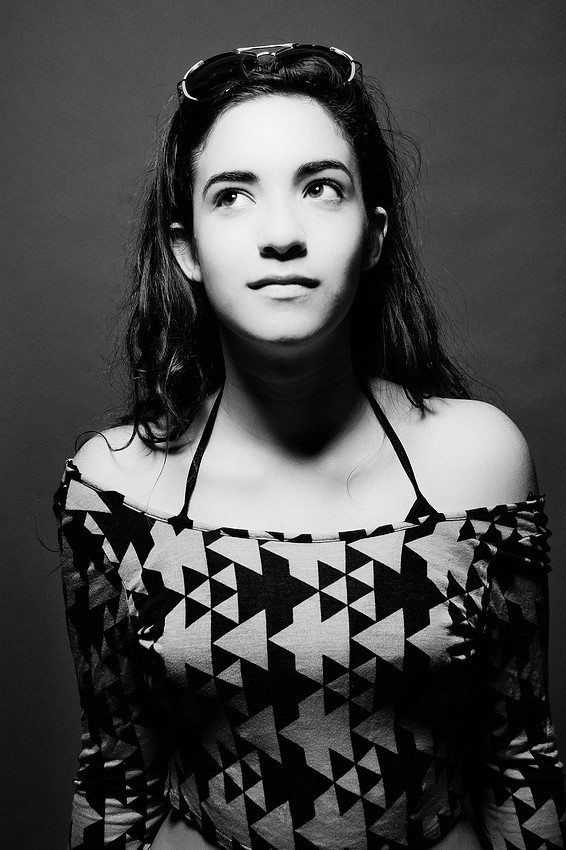
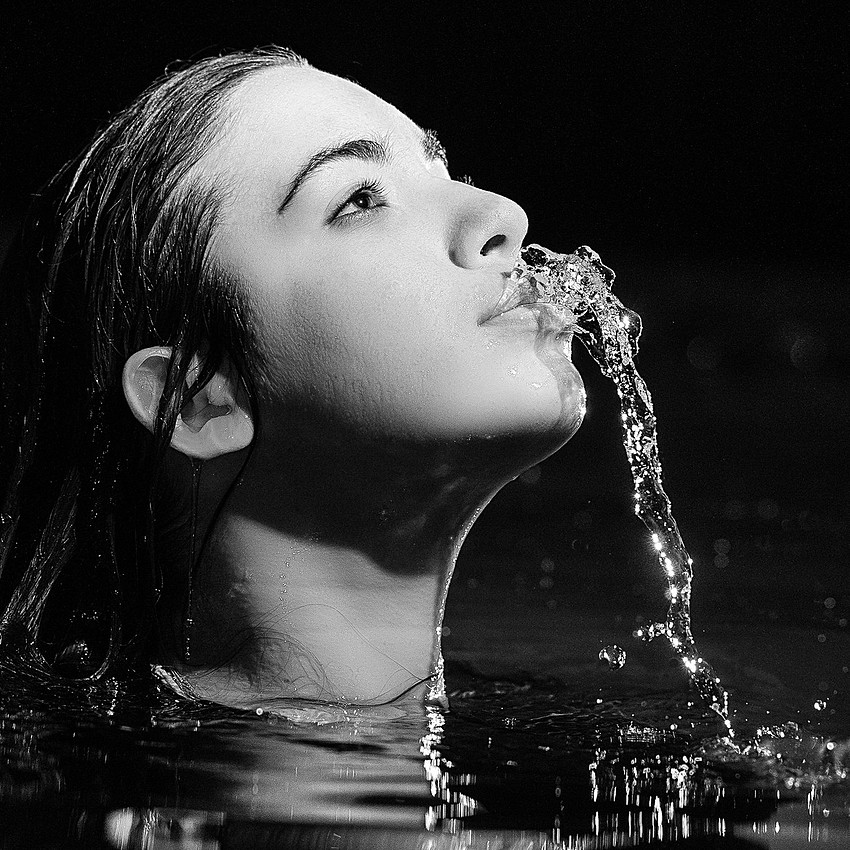
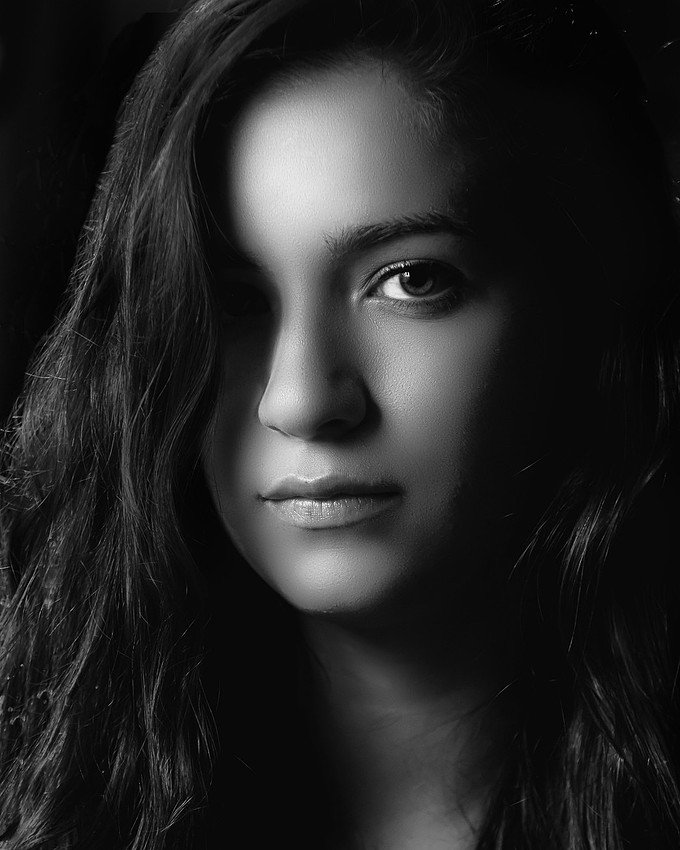
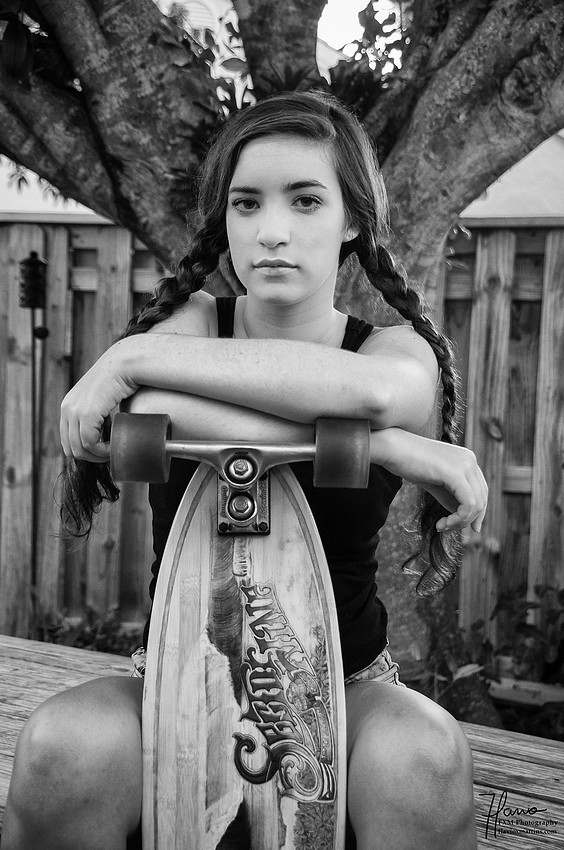
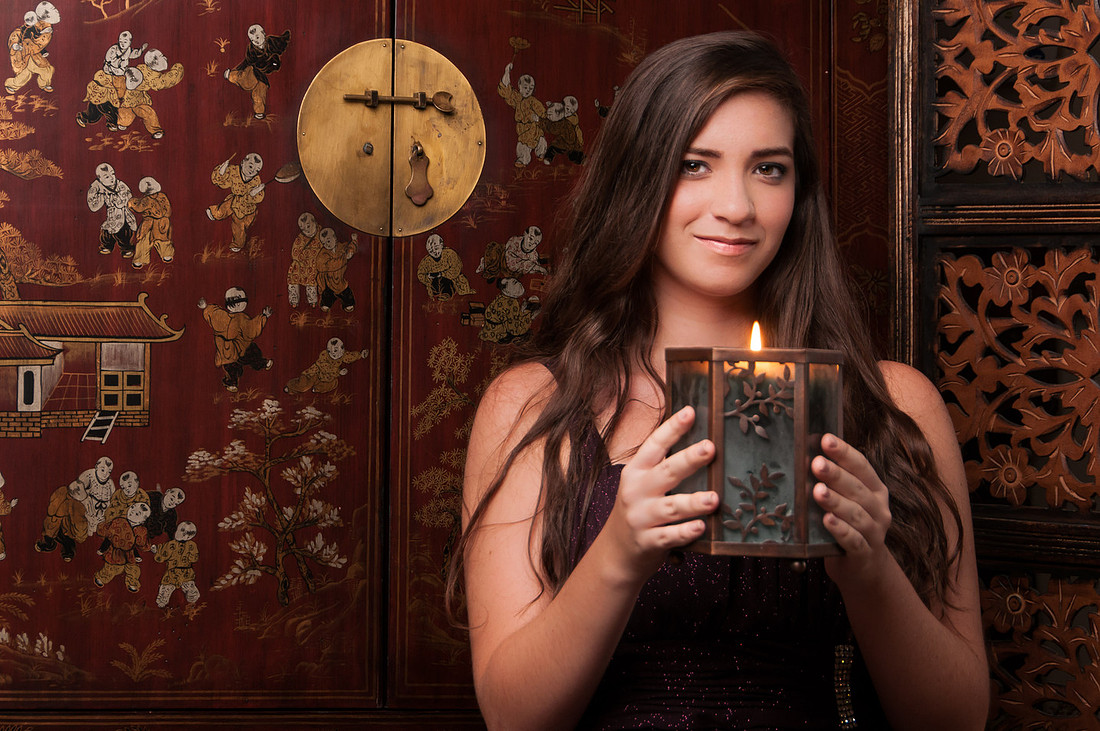
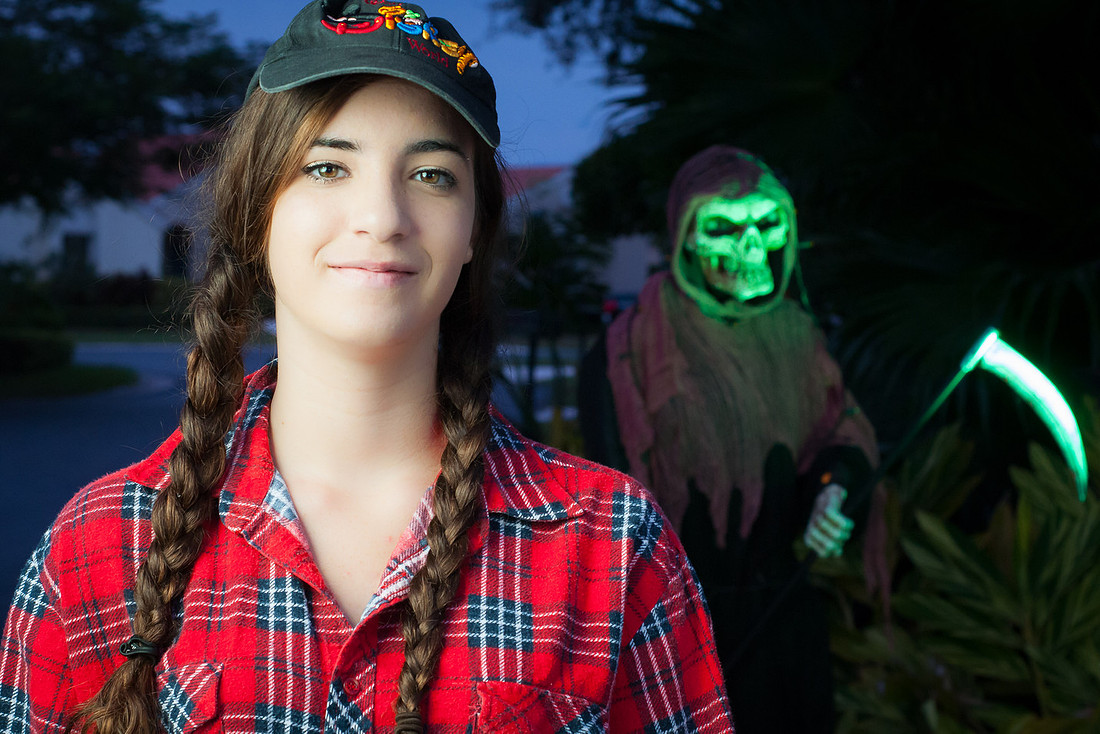
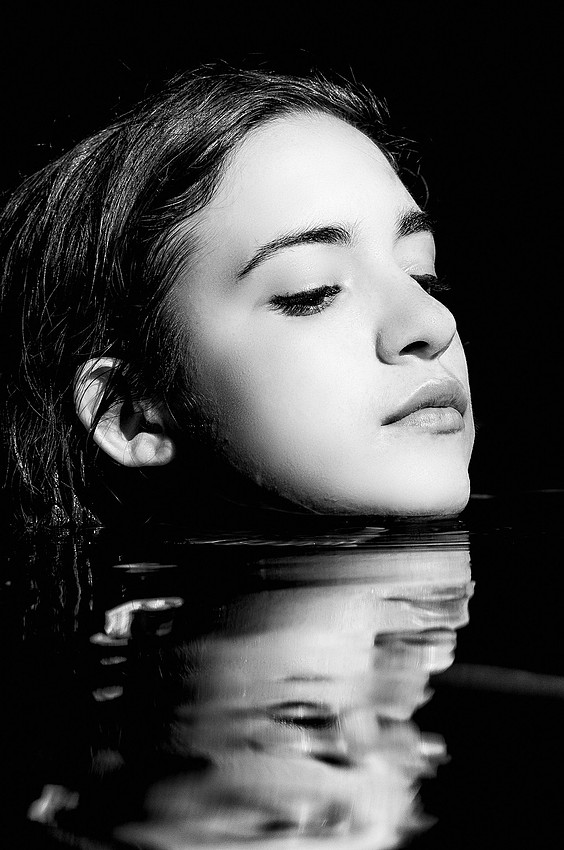
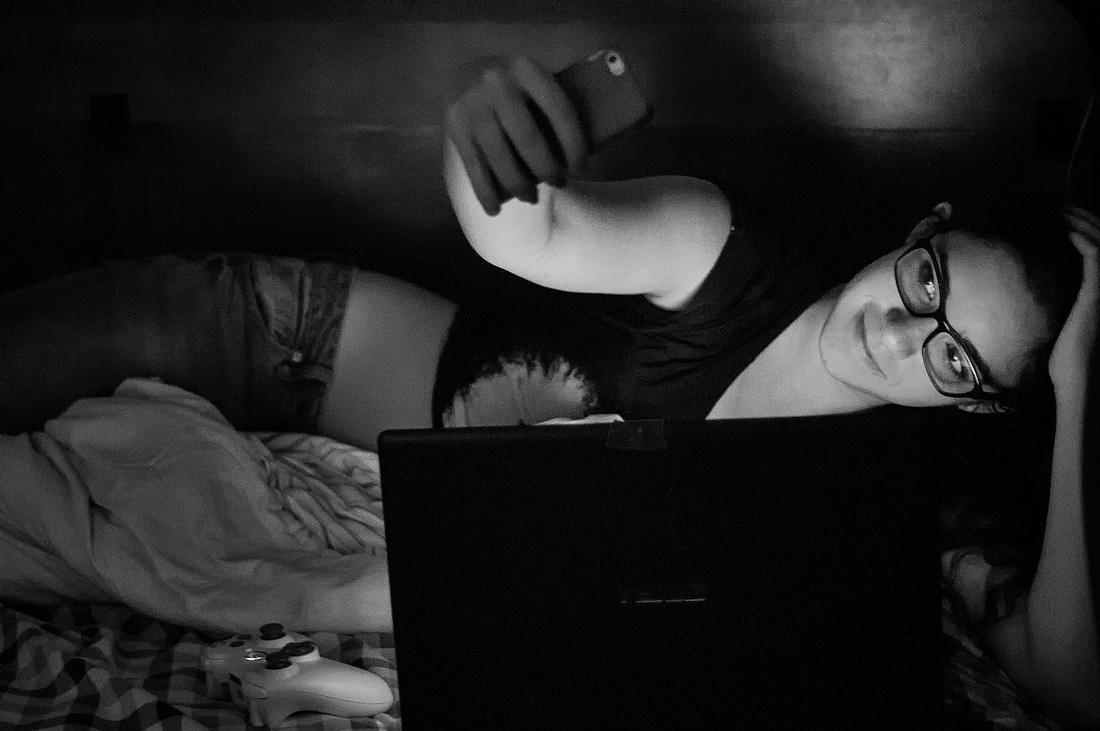
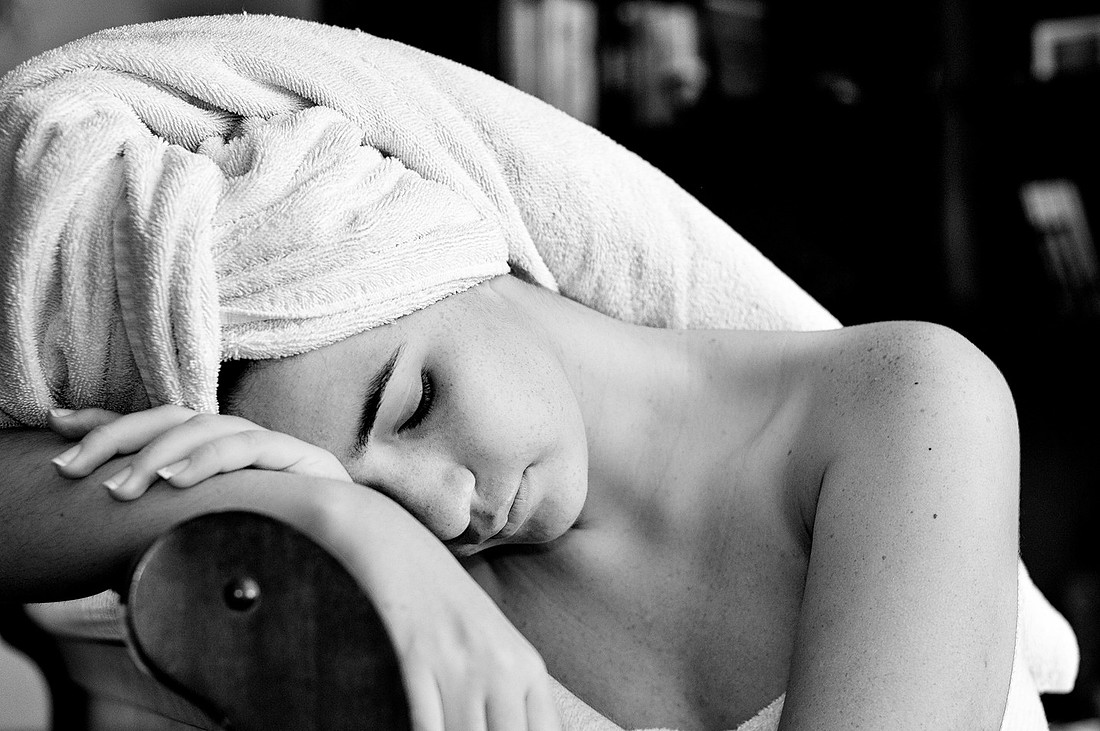
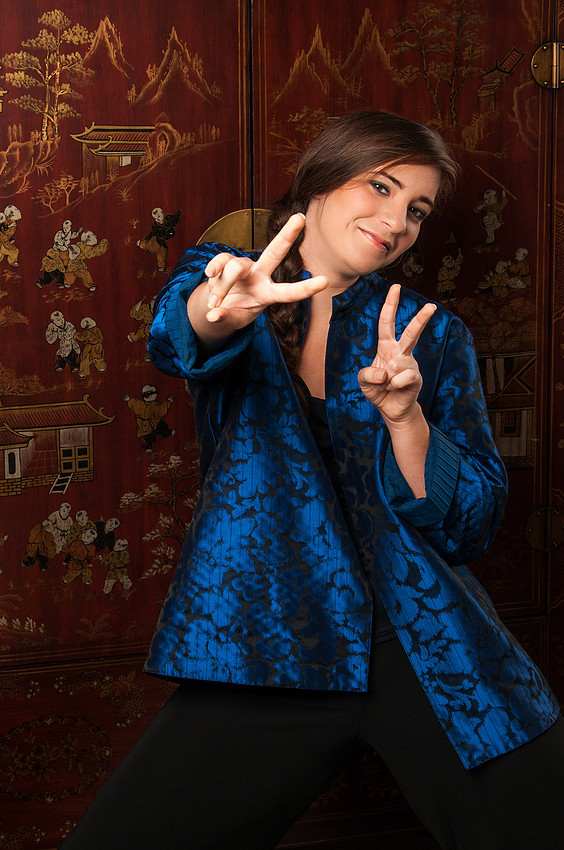
One thing you absolutely need in a portrait class is a person to photograph. The workshops were pretty fast-paced with one assignment per week being the norm so it was convenient to use a family member as the subject. Hence my awesome unintended consequence. I now have a year's worth of portraits of my stepdaughter Emily! It's been a great year and great fun looking back at these pictures.